Official co-op flow
How to Invite Friends in Crimson Moon Co-op
From Sanctus Clypeus, hold the invite control shown at the top-left, choose Host Game, then select a public room, private room, platform-friend invite or join code.1
Updated September 3, 2026
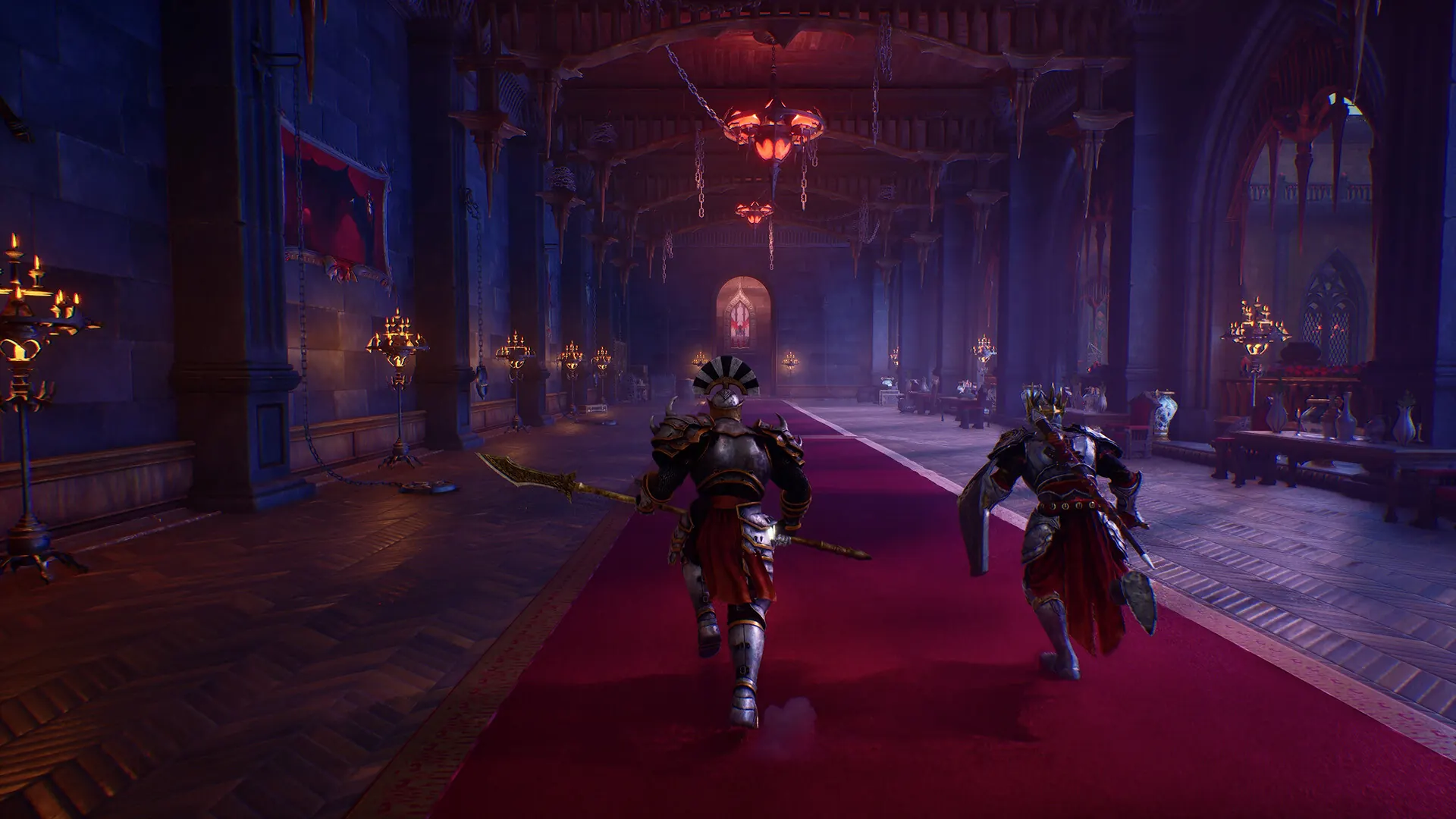
Host a Friend
- Go to the portal in Sanctus Clypeus and hold the on-screen invite control.1
- Choose Host Game, then select Public or Private.1
- For a private room, share the generated join code or invite an online platform friend who owns the game.1
- Start the mission after the second player joins. The maximum party size is two.1
Join Someone Else
Troubleshooting
Check that both players are online, own the game, and are not trying to form a three-player party. If a platform-friend invite is unavailable, the official guide also documents private rooms and join codes.1