PC requirements and issue tracker
Crimson Moon PC Requirements, Issues & Patch Tracker
Crimson Moon requires Windows 11, 16 GB RAM, DirectX 12 and 50 GB storage at minimum. It had no official Steam Deck compatibility rating in the research snapshot, and ProbablyMonsters published a launch known-issues page.12
Updated September 3, 2026
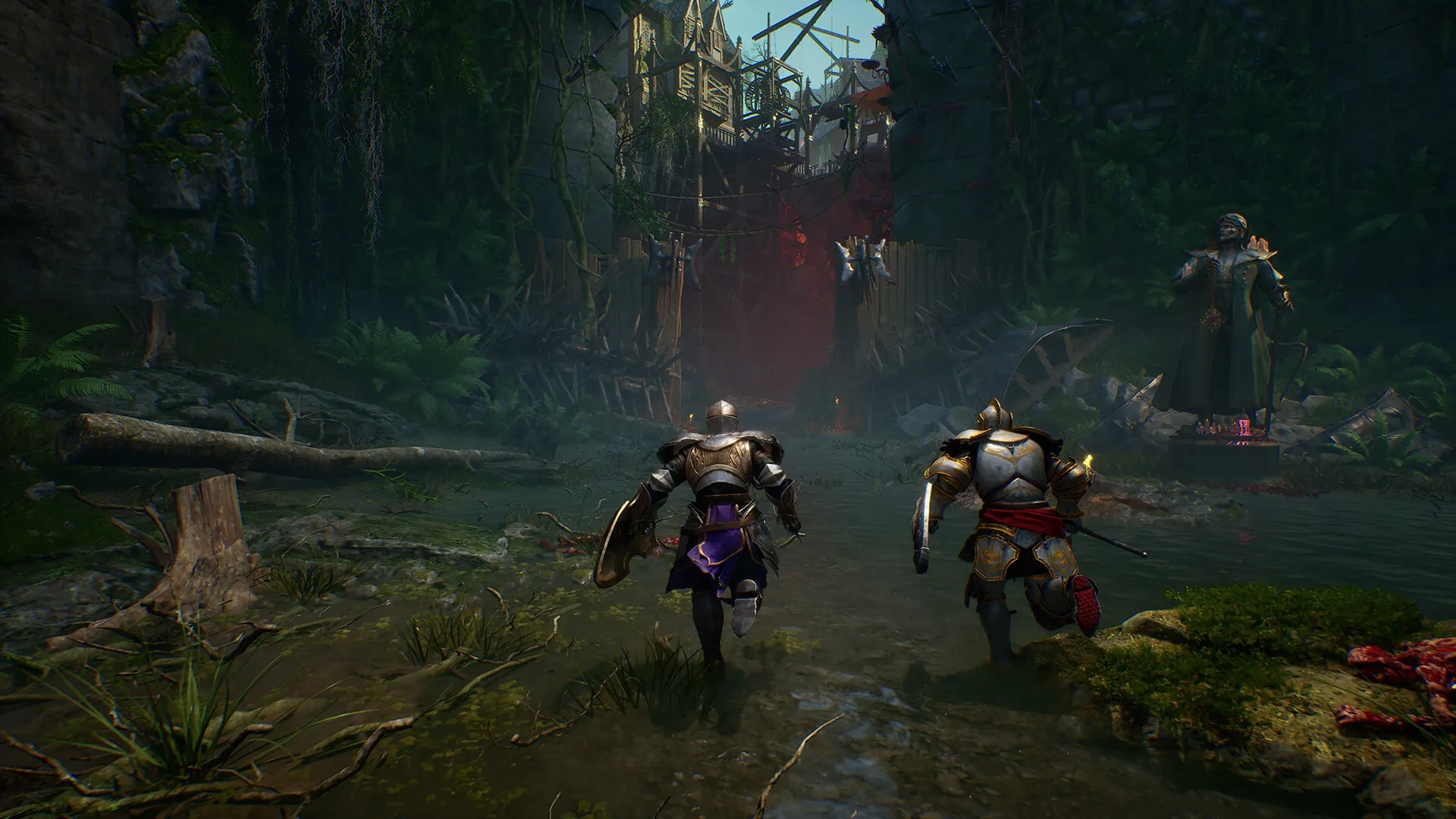
PC Requirements
| Component | Minimum | Recommended |
|---|---|---|
| OS | Windows 11 | Windows 11 |
| CPU | i5-8400 / Ryzen 5 2600 | i7-10700K / Ryzen 5 5600X |
| Memory | 16 GB | 32 GB |
| GPU | GTX 1070 / RX 5700 / Arc A580 | RTX 3070 / RX 6700 XT / Arc A770 |
| DirectX | 12 | 12 |
| Storage | 50 GB | 50 GB |
Table sources.1
Steam Deck
Steam did not display an official Verified or Playable rating in the research snapshot, and ProtonDB had no aggregated reports for app 4317690. A launch feedback thread included a player report that the graphics menu lagged on Steam Deck, so do not treat Deck support as confirmed.137
Known Issues and Patches
- ProbablyMonsters maintains an official Launch Day known-issues article.2
- A September 1 announcement said PC keybinding and remapping support was being prepared for a launch-week update.4
- Players reported an ultrawide vertical-field-of-view issue; a developer acknowledged the behavior in Steam discussions.5
- A separate Steam review described PC performance as dependent on upscaling. It is one user report, not a benchmark, but it provides a direct example of the launch concern.6